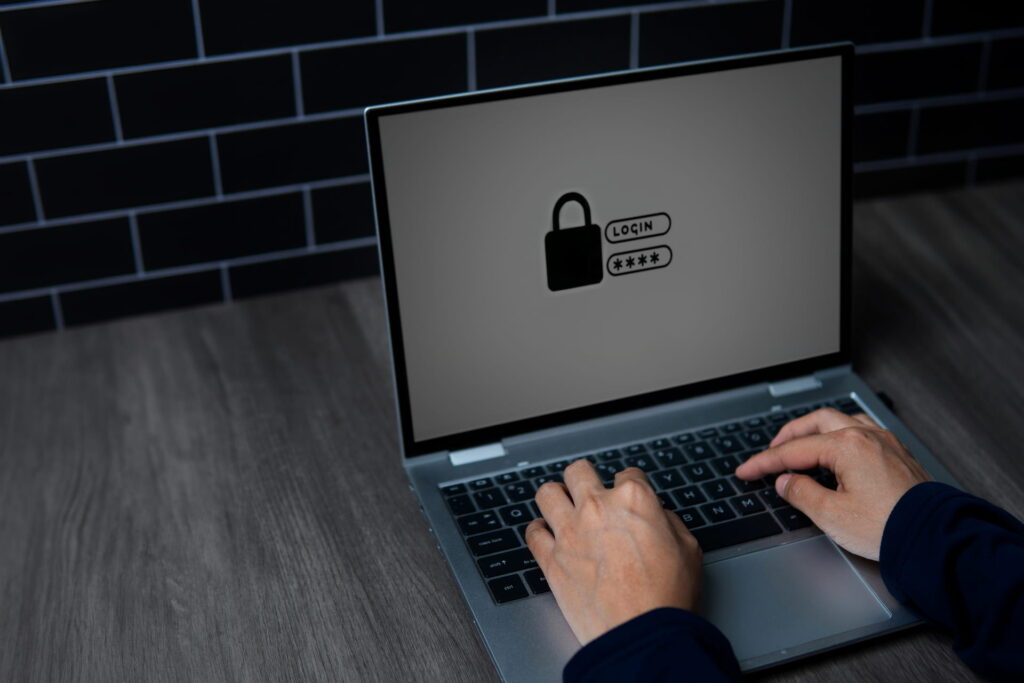
The average employee manages somewhere around 80 to 100 passwords. When you have that many to deal with, the temptation to reuse the same login across half your accounts is hard to resist.
The problem is that password reuse is the single biggest reason business accounts get compromised. According to Verizon’s 2025 Data Breach Investigations Report, 81% of hacking-related breaches involved stolen or weak credentials. For a small or mid-sized business, one compromised login can open the door to client data, financial systems, and internal communications.
Good password management fixes most of this risk. Here’s how it works and what to look for.
Not confident your team’s credentials are secure? Talk to us, and we’ll help you sort it out.
What Is a Password Manager (and Why Use One)?
A password manager is an app that stores all of your login credentials in an encrypted vault. Instead of remembering dozens of passwords, you remember one: your master password. The password manager handles the rest, including generating strong passwords, filling them in automatically across your browser and devices, and keeping everything encrypted so only you can access it.
Here’s what that means in practice for a business:
- Encrypted storage: All credentials are stored using strong encryption (typically AES-256). Even if someone gained access to the vault data, they couldn’t read it without the master password.
- Password generation: The password manager can create long, random passwords for every account, so no one has to come up with (or remember) unique passwords manually.
- Autofill across browsers and apps: Browser extensions and mobile apps fill in login details automatically, which is faster than typing and far more secure than saving passwords in your browser.
- Secure sharing: Need to give a team member access to a shared business account? A password manager lets you share credentials without sending them in plain text over email or Slack.
- Admin controls: Business-tier password managers give administrators visibility into password health across the organisation, including which users have weak, reused, or compromised credentials.
- Breach monitoring: Many password managers check your stored credentials against known data breaches and alert you when a login has been compromised.
Password Managers Worth Considering
There’s no single best password manager for every business. The right choice depends on your team size, budget, and existing tools. Here are the options that come up most often for businesses.
- 1Password has a good security track record with no major breaches to date. It offers shared vaults, role-based access controls, and a Watchtower feature that monitors for compromised credentials. The app is polished and easy to use. Business plans start around $7.99 AUD per user per month.
- Bitwarden is open source and consistently ranks high for enterprise user satisfaction. It offers a free tier for personal use and affordable business plans. If your organisation has some technical capability, Bitwarden also supports self-hosting, giving you full control over where your data lives. Business plans start around $4 USD per user per month.
- Keeper suits businesses with compliance requirements. It includes encrypted file storage, dark web monitoring, and has achieved FedRAMP Moderate authorisation. Business plans start around $3.75 USD per user per month.
- NordPass offers a clean interface with good Google Workspace integration and breach monitoring. Its free plan covers basic personal use, while business plans with admin controls and secure sharing start around $3.99 USD per user per month.
- LastPass is widely used and offers solid business features, including shared folders and directory integration. Worth noting: LastPass experienced a significant security breach in 2022, where encrypted vault data was accessed. They’ve made improvements since, but some organisations prefer a provider without that history.
For personal use, a free password manager like Bitwarden or the free tier of NordPass is a solid starting point. For a business, you’ll want a plan that includes admin controls, user management, secure sharing, and audit logging.
Best Practices for Password Security
A password manager solves the storage and generation problem. Pair it with these practices to protect your business properly.
- Use a strong master password: This is the one password you still need to remember. Make it long (at least 16 characters), unique, and not something you use anywhere else. A passphrase made of unrelated words works well because it’s both strong and memorable.
- Turn on multi-factor authentication: MFA adds a second layer of verification in case a password does get compromised. Enable it on your password vault, email accounts, and any system that holds sensitive data.
- Never share passwords outside the vault: If someone needs access to a shared account, share it through the password manager. Not via email, not on a sticky note, not in a Teams message.
- Don’t store passwords in your browser: Built-in browser password storage (Chrome, Edge, Firefox) is convenient, but it’s less secure than a dedicated password manager. Browser-saved passwords can be extracted by malware or accessed by anyone with physical access to the device.
- Remove access when people leave: When an employee exits the business, revoke their access to the password vault and update any shared credentials they had access to. This is one of the most commonly overlooked security steps in small businesses.
- Audit password health regularly: Most business password managers include a dashboard showing weak, reused, or compromised credentials across your organisation. Check it monthly.
What About Passkeys?
Passkeys are a newer authentication method that replaces passwords with cryptographic keys stored on your device. Major platforms (Apple, Google, Microsoft) all support them, and some password managers, including 1Password and Bitwarden, now store passkeys alongside traditional credentials.
Over time, passkeys will likely replace passwords for many accounts. But most business applications still require traditional passwords today. A password manager remains the practical foundation, and the better ones will handle the transition to passkeys alongside you.
FAQ
Do I need a password manager if my team is small?
Yes. A five-person business with reused passwords is just as vulnerable as a 500-person company. Business password managers start at a few dollars per user per month, which is negligible compared to the cost of a breach.
Are password managers safe?
Reputable password managers use zero-knowledge encryption, meaning the provider can’t read your data even if their servers are compromised. Your vault is encrypted with your master password, which never leaves your device. That said, your master password needs to be strong, and you should have MFA enabled on the vault itself.
Should I force employees to change passwords regularly?
Current guidance from NIST and the Australian Cyber Security Centre recommends against mandatory periodic changes unless there’s evidence a password has been compromised. Forced rotations tend to produce weaker passwords. Focus on long, unique passwords and breach monitoring through your password manager instead.
How do I get my team to actually use it?
Pick a password manager with a clean interface, run a brief setup session with each team member, and make it the default way to access shared credentials. Once people see the autofill in action, most come around quickly.
Need Help Getting Password Management in Place?
If your business needs help choosing, configuring, or rolling out a password manager, we do this regularly for our clients. We can also tie it into your broader security setup, including MFA, endpoint protection, and ongoing monitoring.